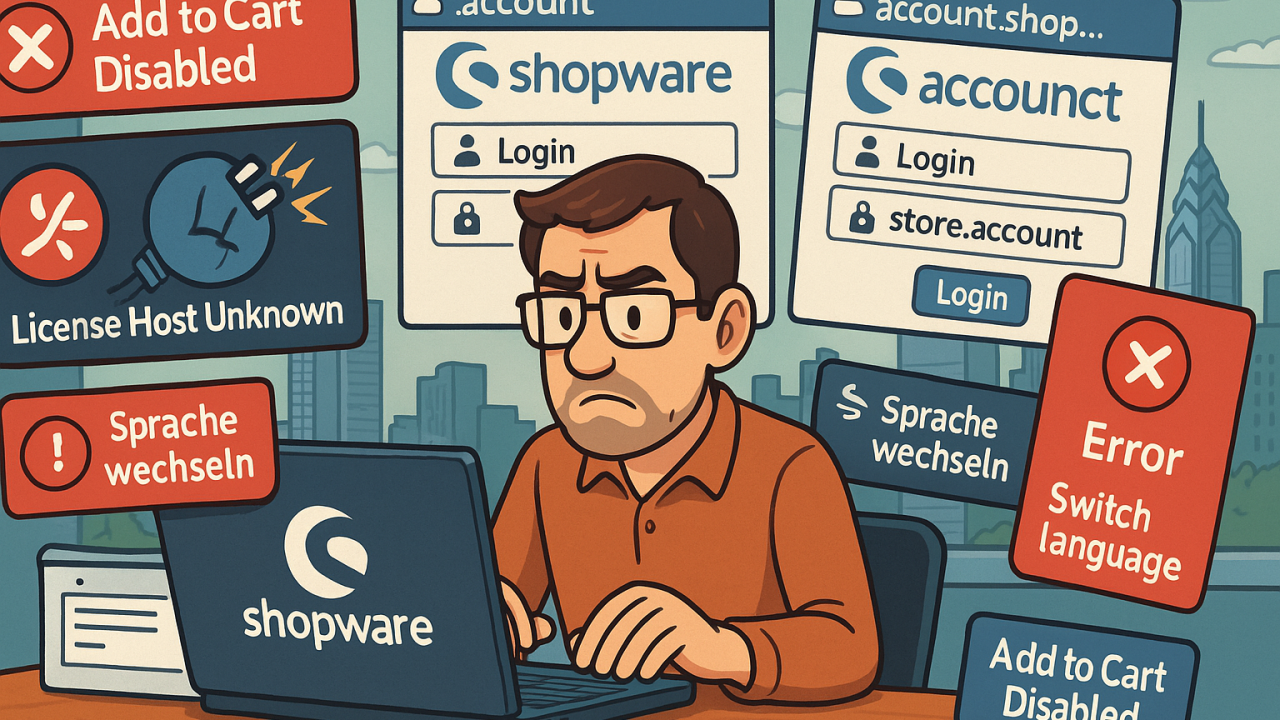
Installing plugins in Shopware is unnecessarily complex. I recently attempted to install a free plugin on a test store and encountered a series of frustrating and poorly documented hurdles.
First, I had to create a Shopware account before I could even begin. When I tried to install the plugin, I was met with a “License Host Unknown” error after logging into my new account.
Eventually, I realized I needed to link the app store to my new account and grant permissions—something that wasn’t made clear in the process. Once I made it to the app store, I was surprised to find it entirely in German and had to manually switch to the “International” version using a dropdown at the top.
My account showed an asterisk next to it, prompting me to complete “Additional Configuration.” This required adding a new shop and registering the store, even though it was just a test environment.

The registration required DNS verification, either via a DNS TXT record or an HTML file. However, only the HTML file method was actually available, limiting my options. I wanted to use the domain verification method because that would not require my store being actually active on the internet.
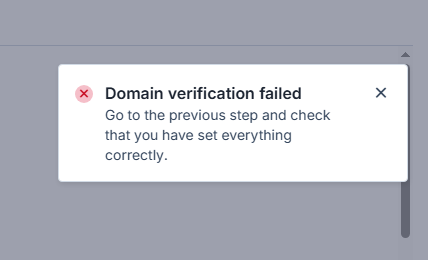
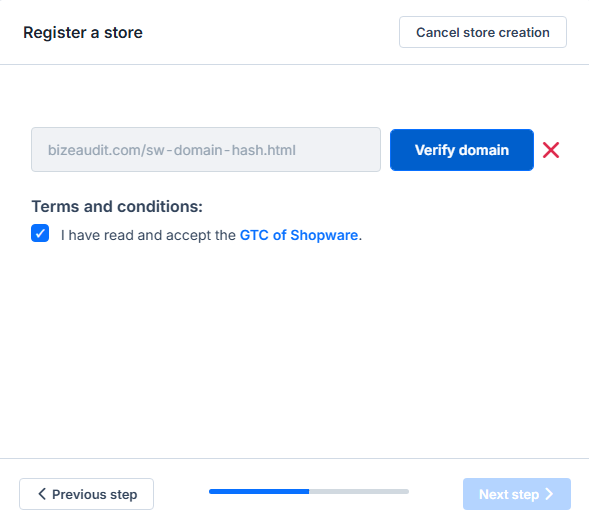
I had to upload the HTML file to a temporary website, to get this process to work. Again, not ideal since this was supposed to be just a local test platform.
Once I completed the verification, I still wasn’t able to install the plugin!
After refreshing my account, I was presented with a new popup requiring the installation of a reporting app for “fair calculation of your conditions.” I took this to mean Shopware needed to monitor my sales volume.
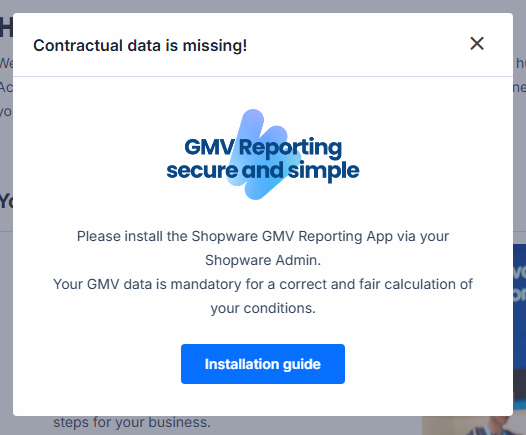
At this point, I noticed I had been automatically set up with a trial account—despite never opting into a trial or providing any payment information.
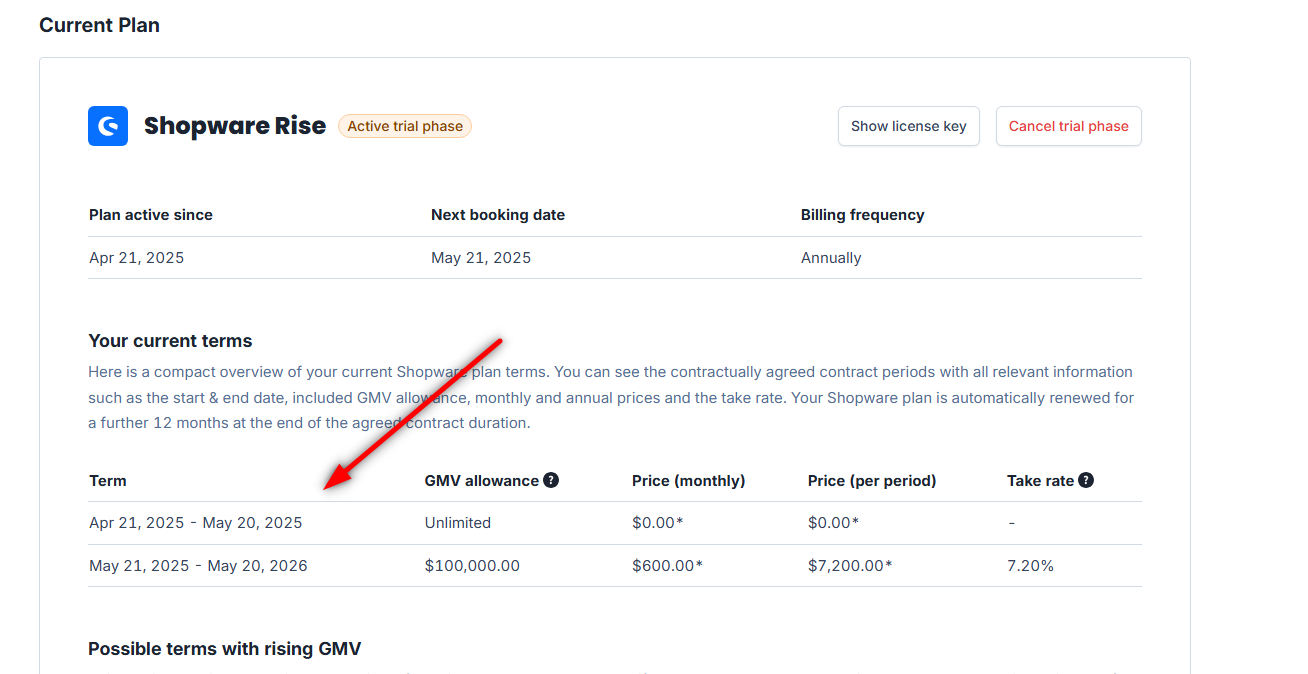
Another point of confusion: there appear to be multiple Shopware login portals—account.shopware.com, store.shopware.com, etc.—each showing different states of my account. One portal recognized my shop, the other didn’t, constantly redirecting me between systems.
Overall, the plugin registration and installation process is unnecessarily convoluted. Requiring full account setup, domain registration, and trial enrollment just to install a free plugin is excessive—especially for an open-source platform. Without functioning plugin tools, the open-source version of Shopware feels significantly limited.
I eventually submitted a support ticket. After a few back-and-forth messages, I was told that installing the plugin on the open-source version was possible, but the license had to be attached to my account. Once I returned to the plugin page and refreshed, the “Add to Cart” button finally appeared. I’m still unclear whether that change was manual on Shopware’s side due to the support ticket. Regardless I was able to add the license to my account, get a license code and add it to the backend of my store. I STILL had to upload the plugin to my testing platform via a zipfile.
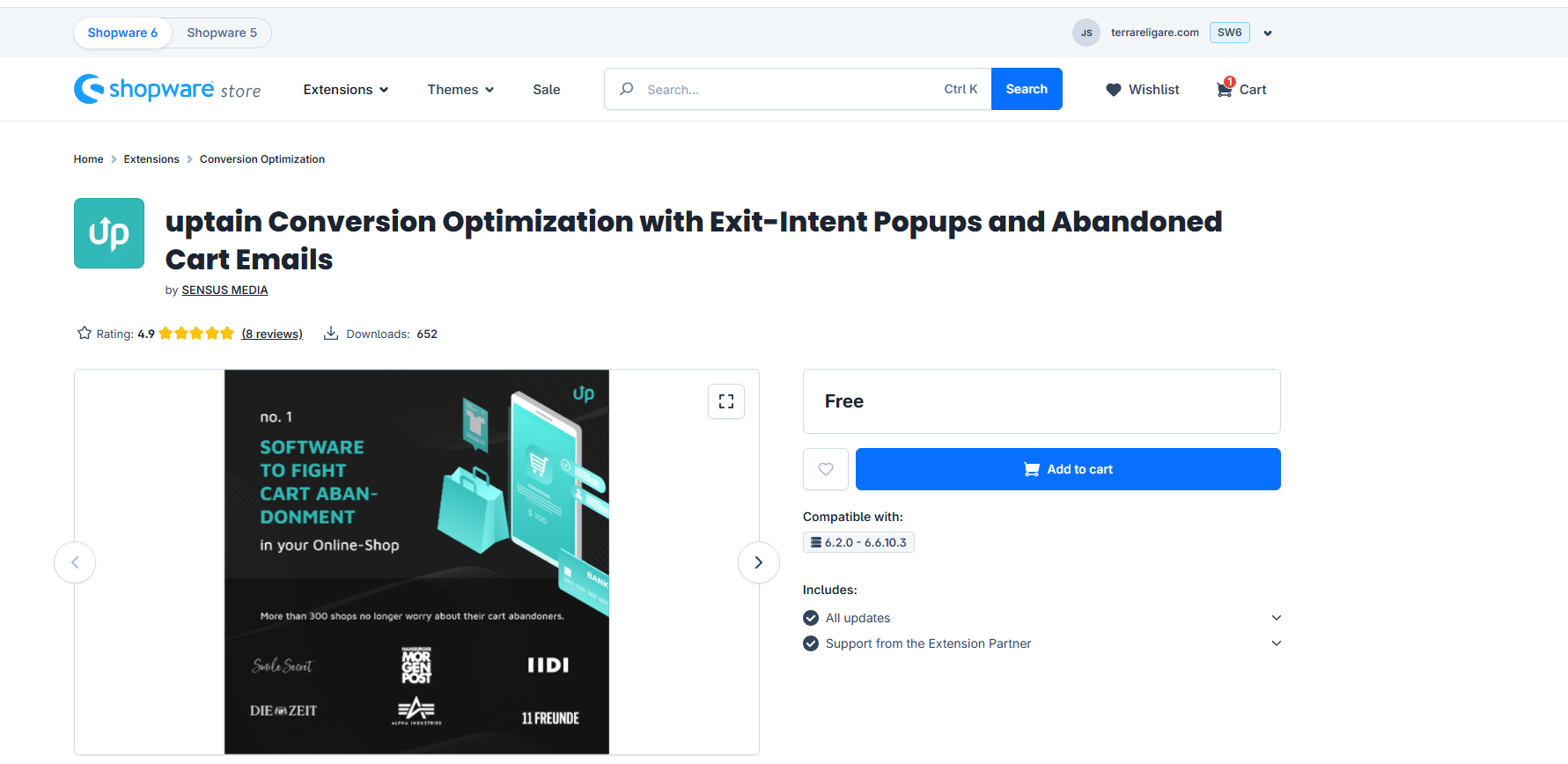
Bottom line:
The full plugin system, only really works if the shop is live and the API’s are able to talk back to Shopware. Otherwise you’ll need to install the plugins manually via a zipfile, which is really not ideal. I don’t know if it would work if the site was live but hidden behind a simple HTML Auth password prompt, which is usually standard practice if you don’t want anyone seeing your store before it is launched (or having Google crawl it).
I understanding that licensing is important but this made it a complete mess to evaluate. I can easily see someone saying “this doesn’t work for my needs” and moving on.
If someone with advanced LAMP stack experience like myself struggled to complete what should be a simple plugin installation, how can Shopware expect non-technical users to succeed?