
Coming from a Magento background and their shift in direction I had heard that Shopware might be a good alternative (thanks Lisa Alexander !)
Here are my no thrill notes of how I was able to install Shopware on a basic LAMP (Linux, Apache, MySQL, PHP) server. This is not for the faint of heart. You need to have had some advanced knowledge of Linux sysadmin experience at some point.
1.) LBUNTU
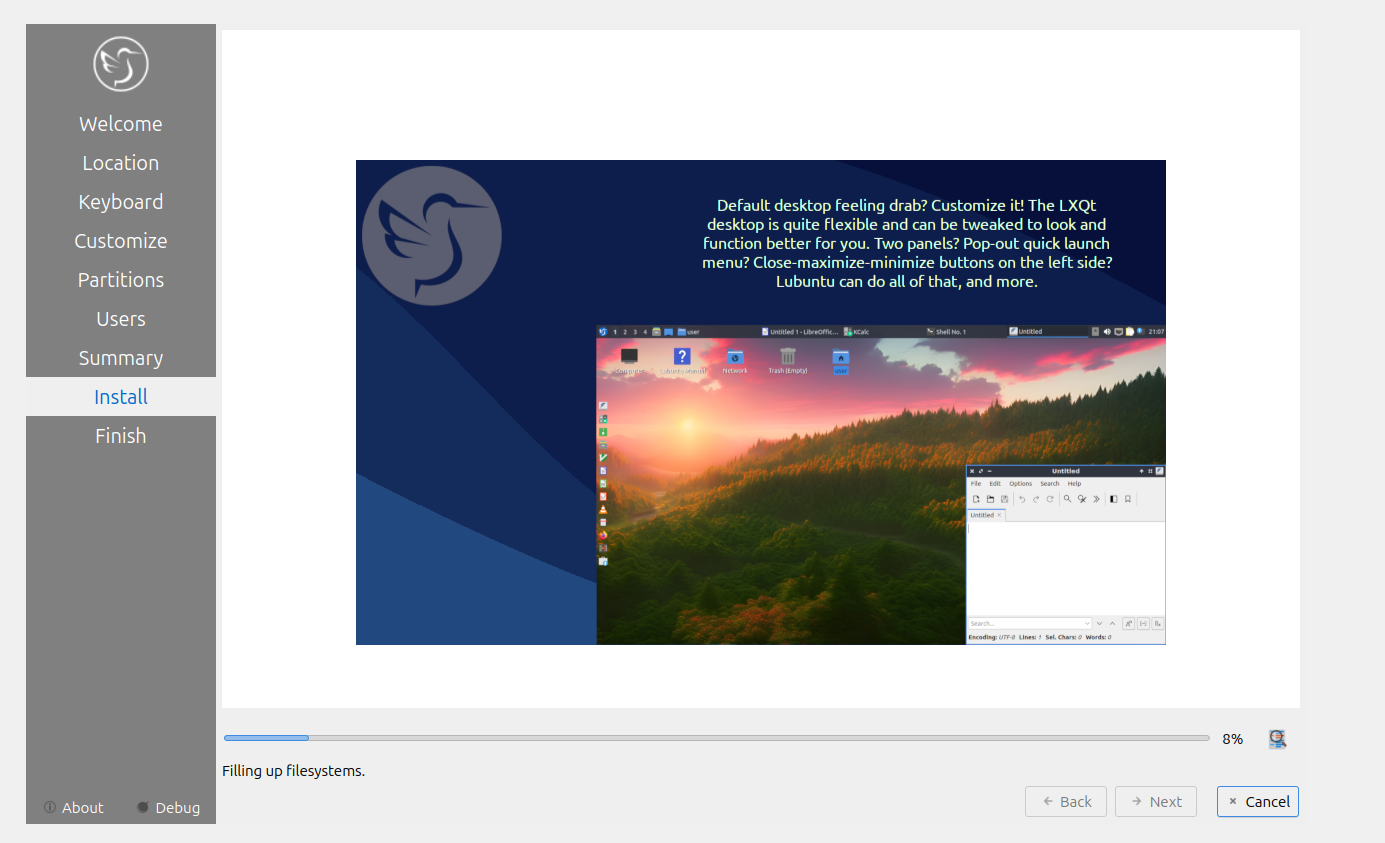
I use LBUNTU as my base Linux image. Its way smaller/bloated than the Ubuntu Server. This is for a TESTING server and not production.
2.) Oracle Virtual Box
For testing I’ve recently started using Oracle Virtual Box, rather than Hyper-V for virtualization. I’m not sure why, but I’ve had some real weird and frustrating experiences with Hyper-V. I’m not a system administrator so its probably some configuration that I need to change, but for a quick prototyping environment Oracle Virtual Box just works better for me.
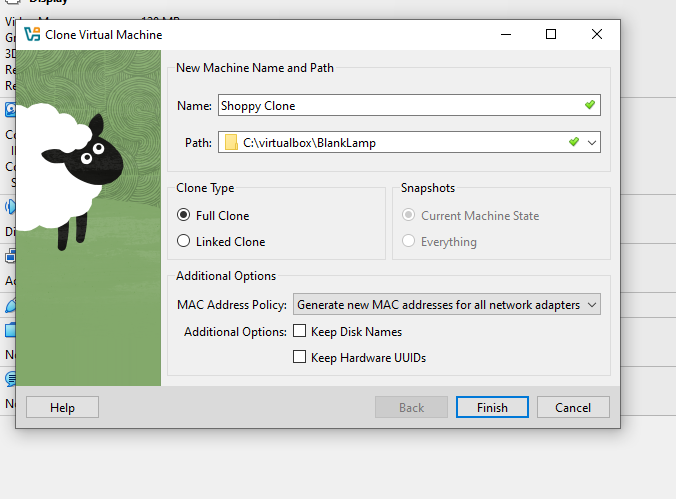
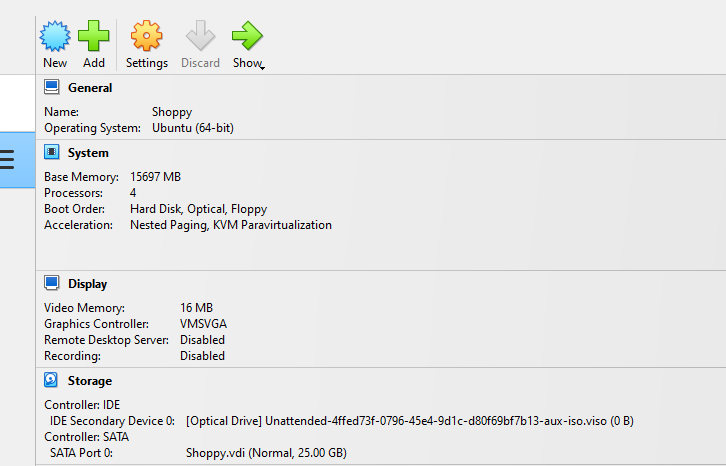
To start, I just created a basic VM. I usually give it about 15GB Ram,4 CPUs and a 20GB disk, use video acceleration, 128mb of video memory to start. Reading a few Shopware installation guides, this should be plenty to play with the demo.
3.) Power it up and run the install.
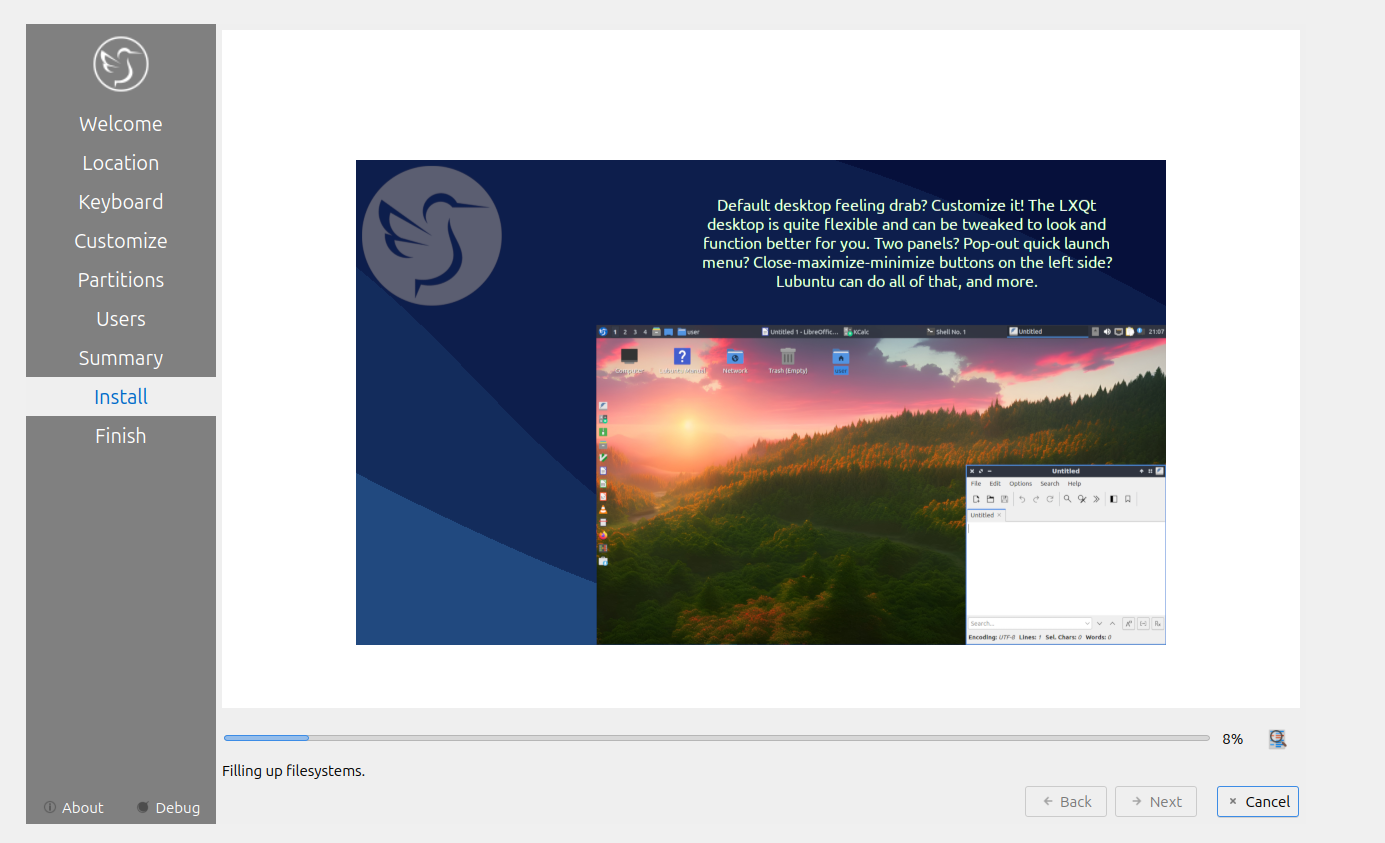
Again…This is a demo, so I need to keep the user and password extremely complicated.
user:shop
pass:shop
Make sure the network is “Bridged Adapter”. NAT can get very messy (again…NOT PRODUCTION).
Optional: Install guest tools so you can copy/paste with the Virtual Box client window. It makes life so much easier.
Add CD to the virtual environment and run this command:
sudo /media/shop/VBox_GAs_OracleNumber/VBoxLinuxAdditions.run
Then “reboot”. After the reboot, you should be able to copy/paste.
4.) “I like Lamp”
Install LAMP. Good luck. (It can get messy without using an AWS image. )
MySQL Changes:
I comment out the bind address so I can get to the MYSQL database using my favorite MySQL tool, HeidiSQL. You’ll have to play with firewall settings both on the virtual image and/or your workstation, which is completely outside the scope of this article.
/etc/mysql/mysql.conf.d/mysqld.cnf
Using terminal lets create our completely SECURE mysql super user.
sudo mysql -u root
CREATE USER ‘shop’@’%’ IDENTIFIED BY ‘shop’;
GRANT ALL PRIVILEGES ON . TO ‘shop’@’%’;
APACHE/PHP additional modules for Shopware.
sudo apt-get install php-mysqlnd php-opcache php-pdo php-xml php-calendar php-ctype php-curl php-dom php-exif php-ffi php-fileinfo php-ftp php-php-gettext php-iconv php-mysqli php-pdo-mysql php-phar php-posix php-readline php-shmop php-simplexml php-sockets php-sysvmsg php-sysvsem php-sysvshm php-tokenizer php-xmlreader php-xmlwriter php-xsl php-gd php-intl php-zip
5.) Clone
Test to see if you can get to your MySQL database AND Apache server outside of this virtual machine. If you can, shutdown and clone the virtual machine to be used for other projects. That way you can spin it up and change the users in Linux and MySql within seconds.
6.) Shopware Open-source Install
Make sure your php modules are installed (see above)
Some additional helpful articles.
MAKE SURE YOU TURN ON YOUR SITE to make it ENABLED:
Again, not for the faint of heart.
Also I added this in the hosts on my computer AND on the server.
192.168.0.139 shopware
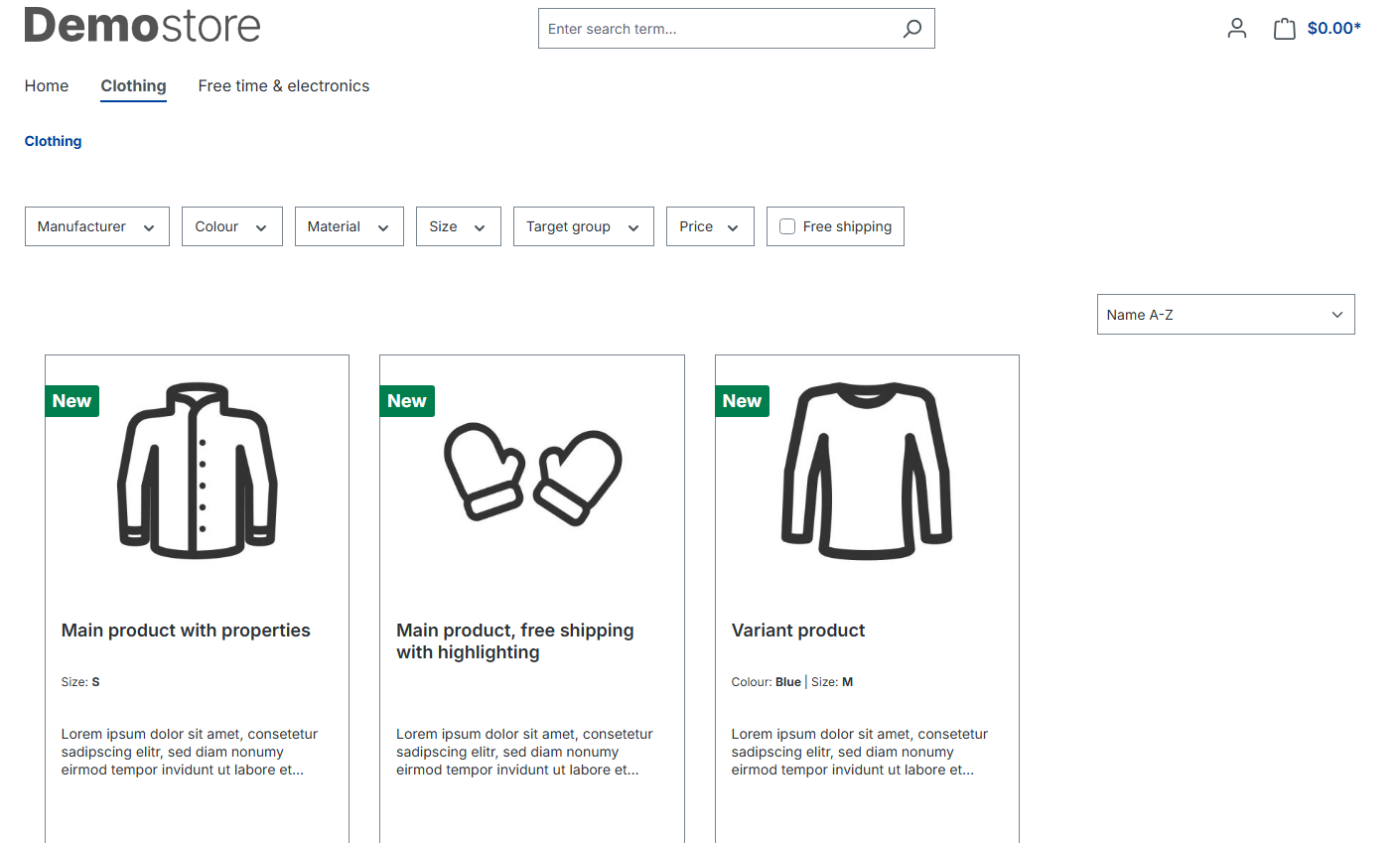
On my local workstation I’m able to reach my Shopware instance by using this URL: http://shopware/Clothing/
Note: Memory was a pain again. The running install was NOT using the PHP.INI value I placed in the main Apache virtual folder. This worked when I installed Shopware, but not when I tried running it. A quick/hacky way was to just edit that main php.ini file. (Again..not production…)
/etc/php/8.3/apache2/php.ini
Once I had it working, I created a SUPER complicated and secure user.
user:admin
Password:adminadmin.
6.) Shopware Installation Observations
Overall, this was a larger pain than a traditional Magento2 setup.
Also, what is this? You can NEVER change the currency OR system language ever again after the install? I’ll need to dig into this a bit later.
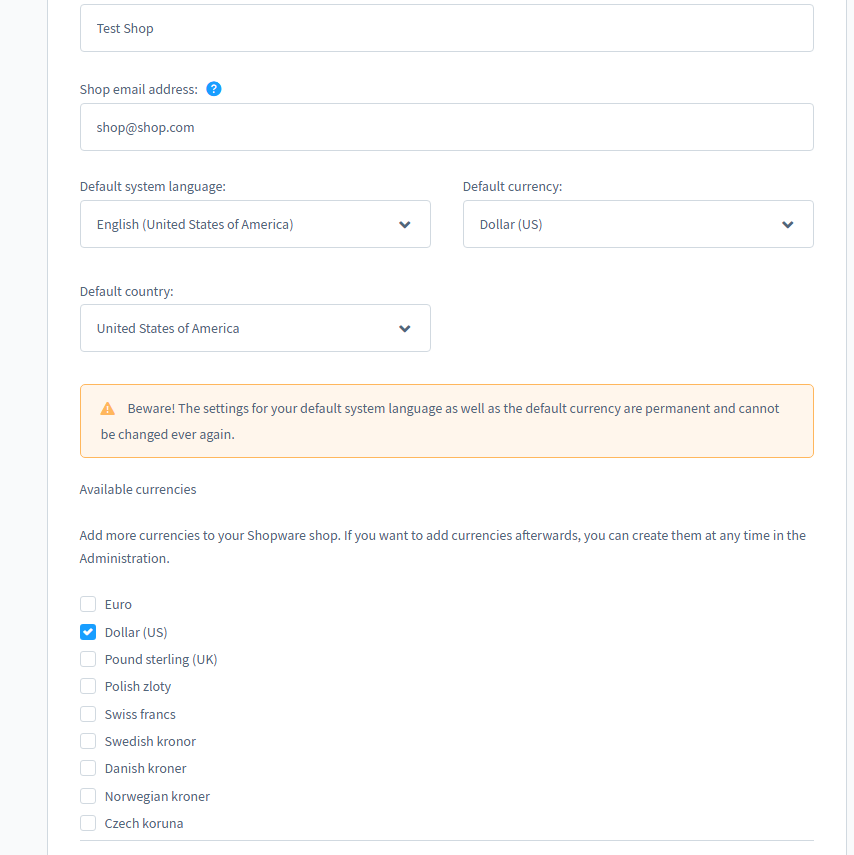
Once the install was complete, I cloned this in Oracle Virtual Box as well. That way we can reuse this Shopware server for other tests and/or setting up other existing stores.
As I noted above, this will only ever English with the US dollar. In order to install a different language/currency the screen said I would need to completely re-install Shopware, which is NOT ideal. There was an option to change this setting in the Admin section of the site, so I’m wondering if this was just an item that is no longer valid?
I also added the basic Shopware demo data so I could play around with the front and back end of the store.
7.) Kicking the “Tires”
Next up, I’ll review Shopware with some basic comparisons with Magento.
Shopware Open-source Notes:
Third Party Plugins (Approved by Shopware):
Plugins all seem to be either free OR monthly. A great majority of plugins for Magento were one off purchases, rather than subscription. I can see how plugins could quickly add up in costs in Shopware.
You CAN upload plugins from other parties, but you are on your own with security/liability.
I like the ability in Magento to just buy the plugin one time, BUT if the Shopware plugin can be updated in the admin platform (like a WordPress plugin), it might save a lot of time. A lot of Magento plugin authors are going to a subscription based service for updates, so this might save time. Again, need to dig into this a bit more.
Some very nice features:
- Built-in time to completion plugin. Forces a customer to checkout in certain timeframe
- Flows are very powerful. Lets you chain together actions with no coding. (ie: payement is cancelled…then send email…then you could chain another email…)
- Rules: Complicated rules can be built based on conditions. Like day is Sunday. You can then set Pricing/Shipping methods/promotions or even attach it to a flow. Very powerful. This is comparative to the “Scheduling” in Magento where you could schedule pricing on a single product or multiple ones. What is nice is that this is in a single screen. So you could call it “Black Friday” rules and update the pricing in the one screen.
- Login as Customer: Similar to Magento2, but a good feature to have.
- Global Search. Find a product/customer/order ALL in one search bar. Game changer if you are working Order ops.
- Edit ALL language snippets in the admin tool itself. You can have a linguist go through and edit all of the button/text labels in a different language before you launch a new regional store.. A very different approach than Magento2.
- Create an order with a custom product. You have the potential to create a customer order with something manually added.
- Deliverability is on steroids: Stock/Delivery Time/Restock Time/Freeshipping. All configured in the product screen.
- Headless store is installed by default. Would need to do some more digging, but I assume you could build your entire MACH architecture on top of this store alone without having a visible storefront, which would be incredibly powerful.
- Store themes are extremely easy to modify. No code is needed to re-arrange pages and/or themes.
- Extremely powerful to use WITHOUT any development involved. Sales team could make their own changes without having to rely on the development team as often as they would with Magento.
I did have a few more configuration issues that I found when started to use the Admin side. It turns out it was a file permission issue, but just gave me a generic “ERROR” message. This should have been caught/fixed when the Shopware installation was complete.
Again, this was just for the “Open-source” version of the Shopware system. I understand that the paid version is significantly more affordable than Magento and includes some impressive features—most notably, the ability for a Sales Associate to monitor a customer’s shopping behavior and suggest products in real time, directly on the pages the customer is browsing.
Final Thoughts:
I think Shopware has the customization capability that Magento 1 used to allow. Magento 2 really over-complicated the process and then abandoned it completely with their new SAS service. Magento seems to have gone after the very large enterprise accounts.
I think Shopware will provide a solid platform for ecommerce Magento businesses looking to save on large costs for the latest version of Magento. The question will still be whether Shopware will go the way of Magento and gradually increase their prices overtime, just like Adobe has done.
This is just a very basic review of the platform and was only scratching of the surface. From a platform perspective, Shopware has a lot going for it.