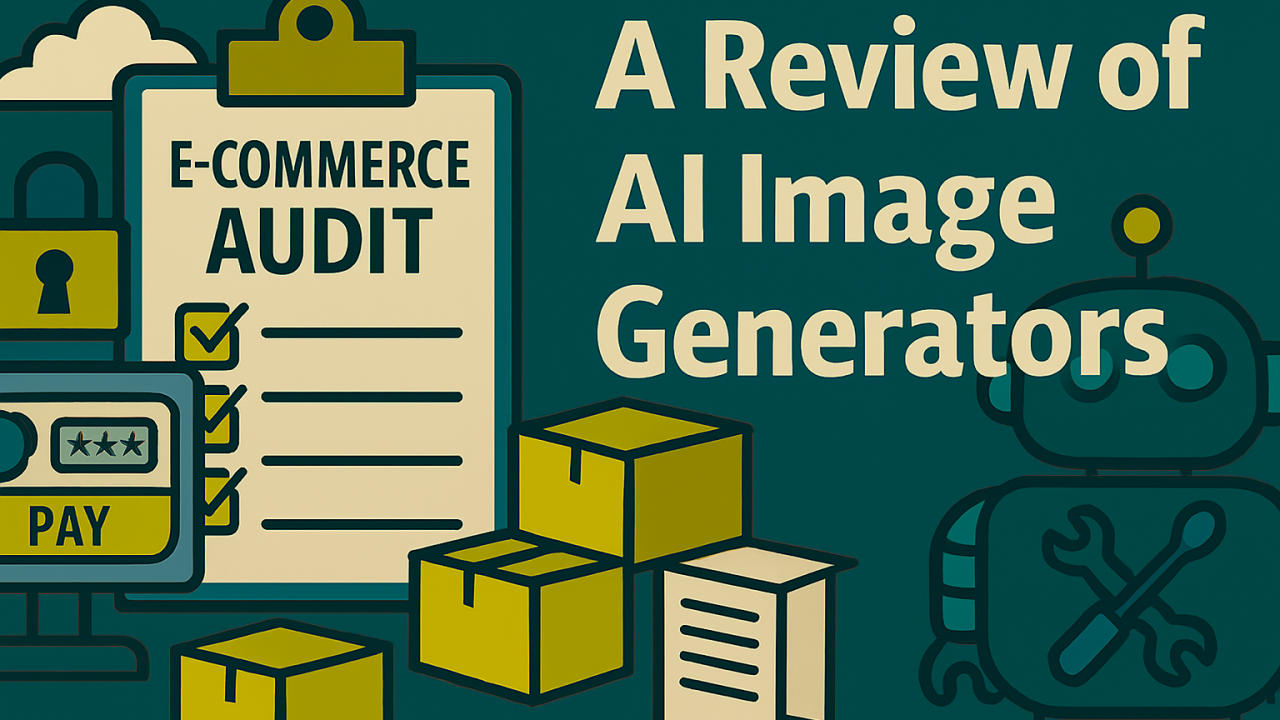
I recently ran several AI image tools through their paces while creating custom graphics for a website project. My goal: generate clean, branded images with a specific color palette and transparent backgrounds.
After testing seven tools, here’s what I found:
🛠️ Tools Tested:
- Microsoft CoPilot
- Google Gemini
- Craiyon
- DeepAI
- Canva
- Adobe Firefly
- OpenAI
✅ Winners: CoPilot & Gemini CoPilot hit the mark with consistent results (though a bit cartoony). Gemini was capable of realism but struggled with transparency and often fell into strange prompt loops.
❌ Why I Skipped the Others:
- Firefly: Realistic but missed key elements.
- Craiyon / DeepAI / Canva: Low fidelity or watermark issues.
- OpenAI: Simply didn’t return images—nothing happened. Case of the Monday’s?
🔍 Real-World Image Use Cases
💧 Water Treatment + Cybersecurity Prompt: A cartoon-style water plant with a cybersecurity theme. 🟢 CoPilot delivered a colorful, usable image. 🔴 Gemini couldn’t handle transparency or SVG tags.

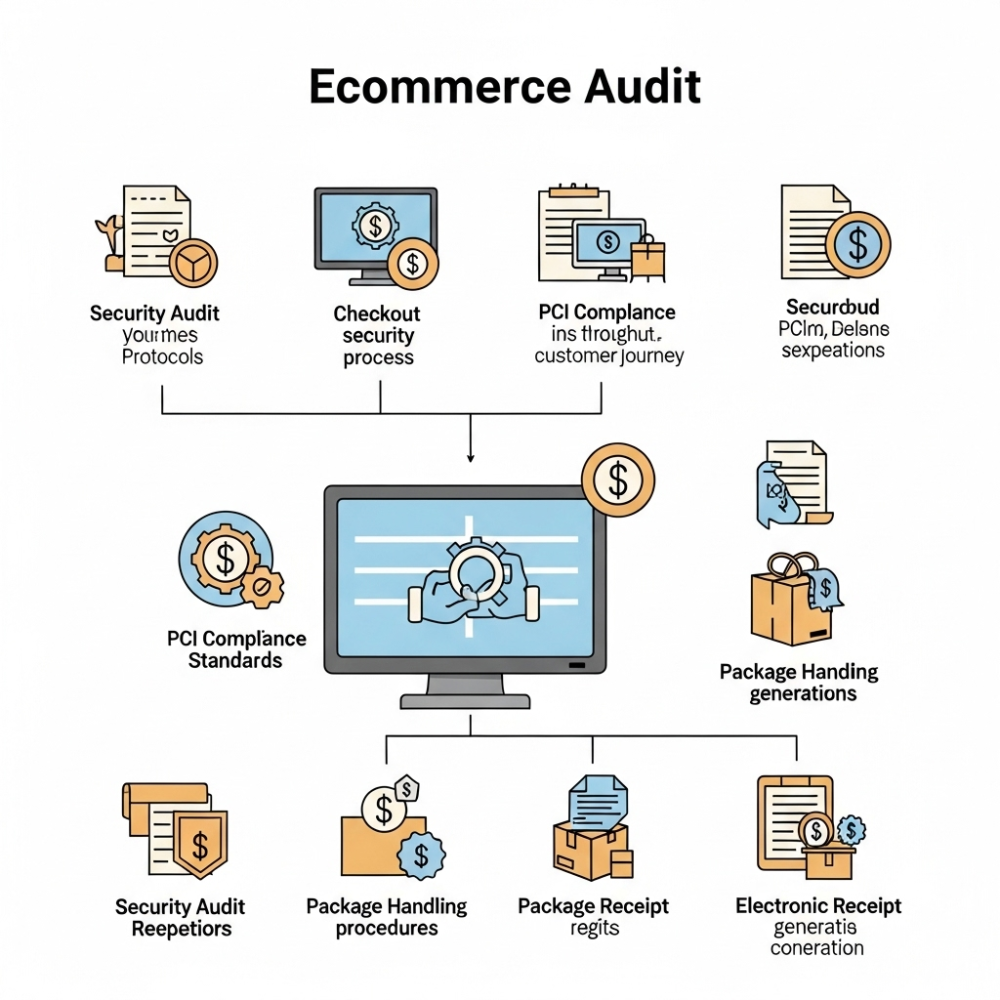
🏷️ eCommerce Audit Visualization Prompt: Include security, checkout, PCI, packages, receipts. 🟢 CoPilot visualized every element nicely. 🔴 Gemini hallucinated text: “Securedbud”, “SEXPEATIONS”… enough said.

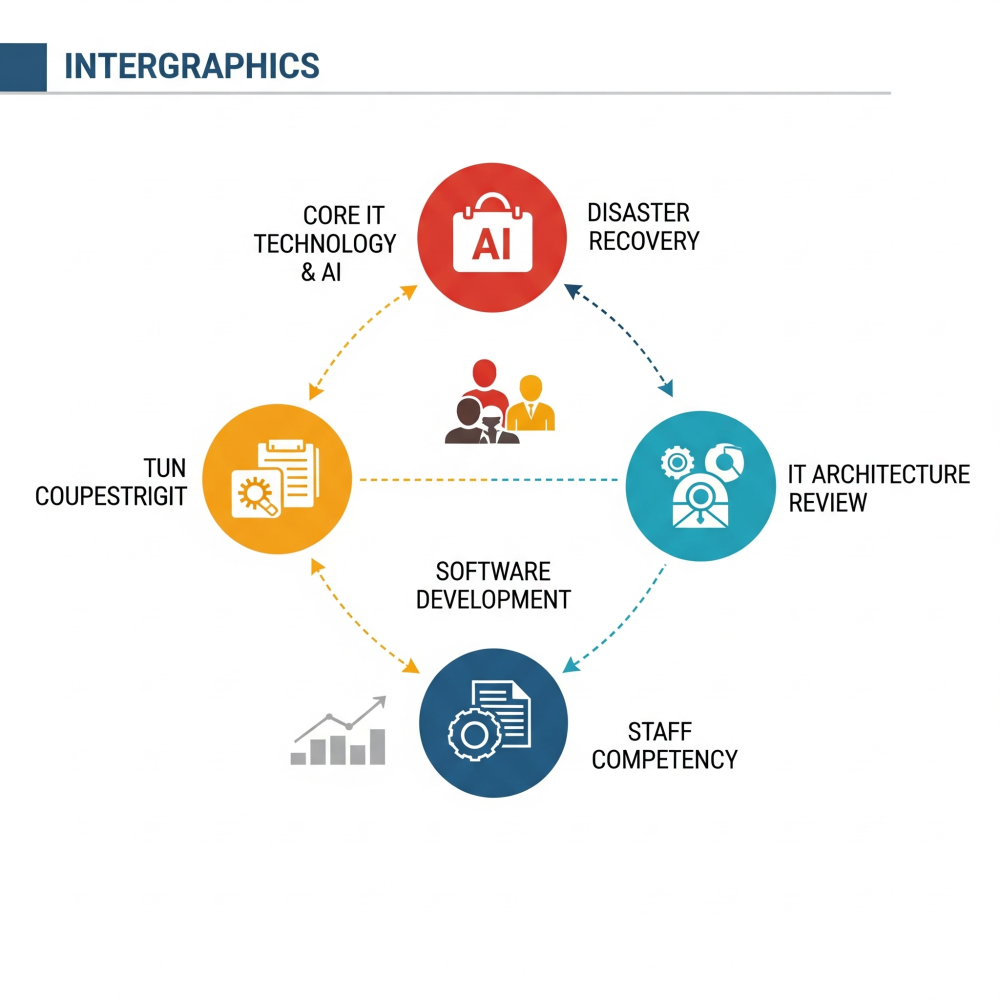
🧱 IT Business Audit Concept Prompt: Represent IT foundations, AI, staff, disaster recovery, and architecture. 🟢 CoPilot created relevant icons for each. 🔴 Gemini produced weird labels like “TUN COUPESTRIGIT.”

📌 Takeaway: If you’re building custom visuals with brand constraints and want to avoid frustration, CoPilot is your best bet. It’s not perfect—but it’s predictable and got the job done.
💬 Have you tried any of these tools for creative work? I’d love to hear what’s worked (or failed) for you.
#AI #ImageGeneration #WebDesign #eCommerce #ITAudit #MicrosoftCoPilot #GeminiAI #ProductivityTools #StartupDesign #CreativeTech